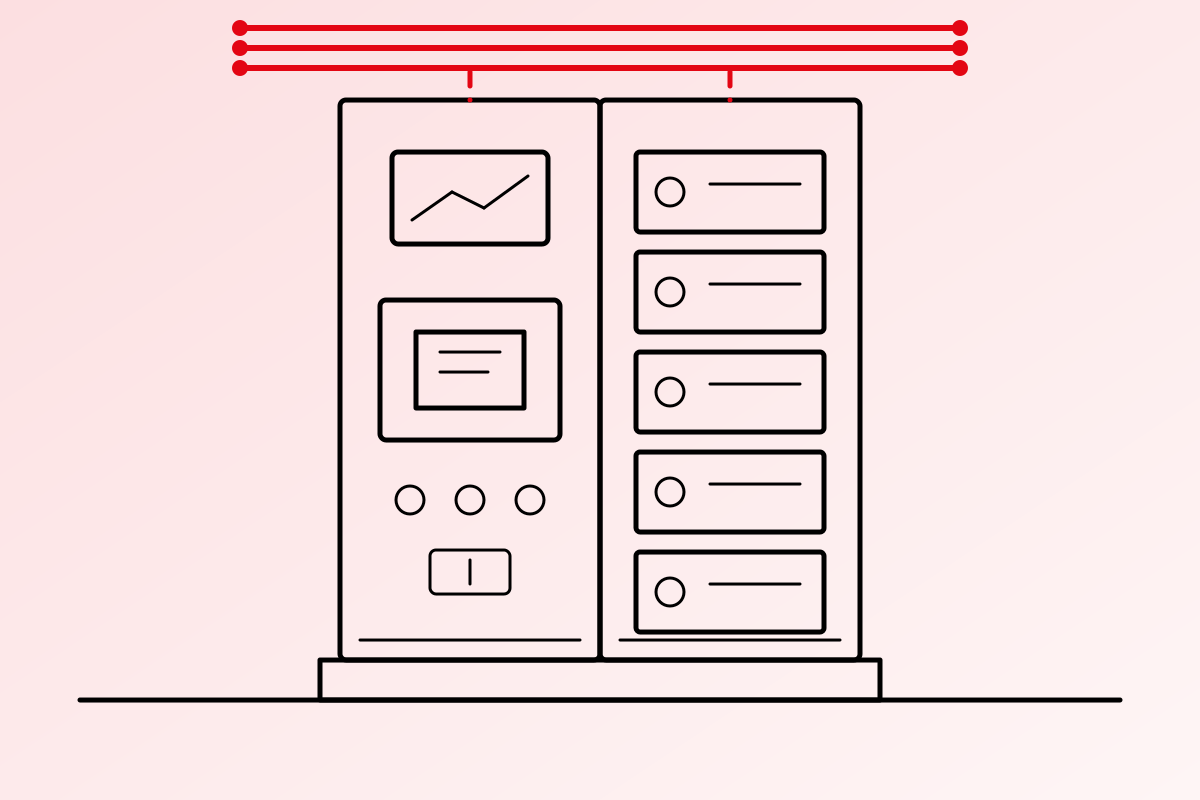
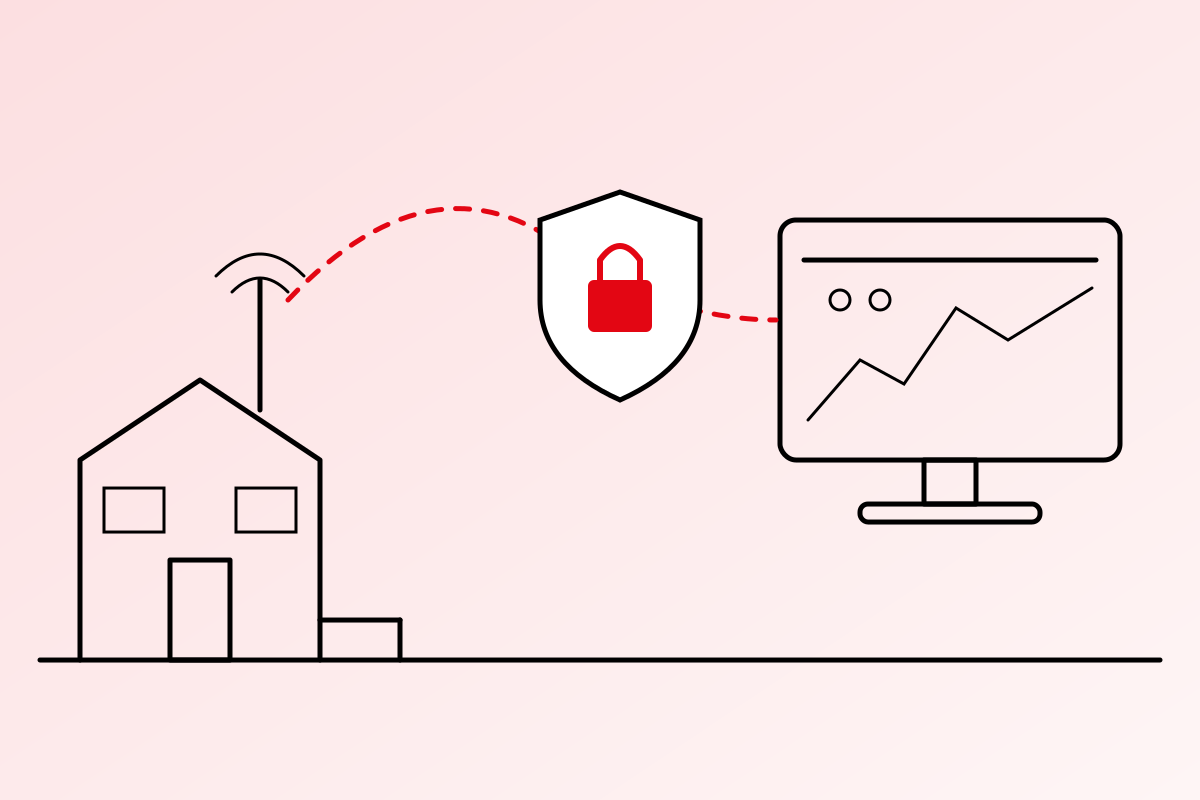
A few years ago, a pump house PLC sat on a local network and nothing else. Today the same PLC reports over 4G to a SCADA system in a control room, and engineers expect to check it from their phones. That connection is what makes remote monitoring possible. It is also a way in.
Why It Matters Now
In 2023, United States agencies warned that attackers had taken control of internet-facing PLCs at water utilities. The devices were reachable from the internet and still had their default passwords. No advanced hacking was needed.
Most incidents on industrial sites start the same way: a device left open, a shared password, a forgotten remote access tool. The good news is that the basics close most of these doors.
The Standard Behind It
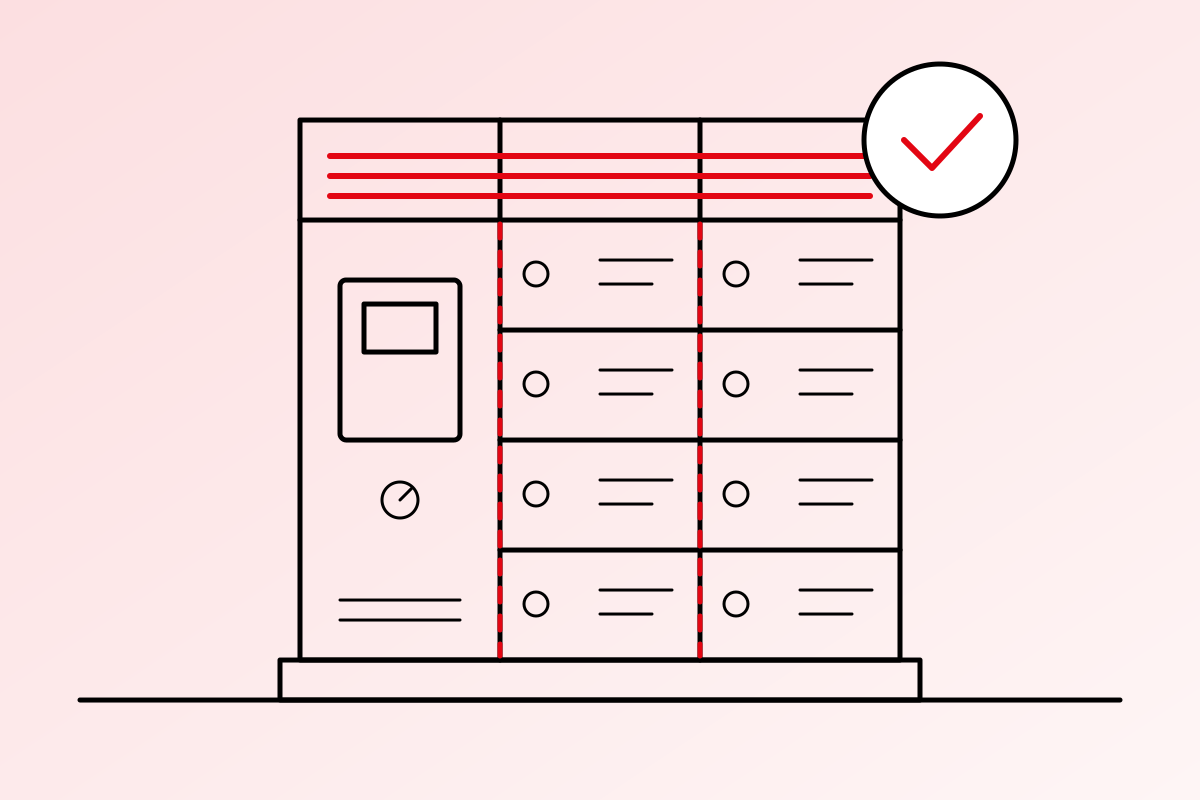
The international reference for industrial cybersecurity is IEC 62443, a family of standards for Industrial Automation and Control Systems. One of its key ideas is Zones and Conduits: group devices into zones by how critical they are, and control every connection, or conduit, between zones.
You do not need a full IEC 62443 programme to start. The ten steps below follow the same thinking.
Ten Practical Steps
1. Never Put a PLC or HMI Directly on the Internet
No port forwarding to a PLC, HMI or SCADA server. If a device can be found by an internet scan, assume it will be.
2. Use a VPN for Remote Access
Remote engineers and SCADA links should come in through an encrypted VPN on a proper industrial router or firewall, not through a public address.
3. Split the Network into Zones
Keep the office network, the SCADA network and the field devices apart, with a firewall between them. A virus on an office laptop should not be able to reach a pump.
4. Change Every Default Password
PLCs, HMIs, routers, network switches and cameras all ship with known passwords. Change them at commissioning, and record them safely.
5. One Account per Person
No shared “admin” logins. Give each engineer and operator their own account, with only the rights they need, and remove it the day they leave.
6. Turn On the Protection in Your PLC
Modern controllers have it built in. Siemens S7-1200 and S7-1500 controllers, for example, offer access levels that stop anyone without the password from changing the program. Use them, and protect the program blocks that matter.
7. Keep Backups, and Test Them
Keep current copies of every PLC program, HMI project and SCADA configuration, stored offline. A backup you have never restored is a hope, not a backup.
8. Patch on a Plan
SCADA servers and engineering stations need operating system and software updates. Controllers and routers need firmware updates. Test them first, then apply them in a planned shutdown window.
9. Log and Watch
Record logins, configuration changes and program downloads, and raise an alarm for the unusual ones. If something changes at 2 a.m., someone should know.
10. Lock the Panel
Cybersecurity is also physical. Keep panels and server rooms locked, and block unused USB and network ports. Many infections still arrive on a USB stick.
Where to Start
Start with a simple list: every device that is connected, how it is reached, and who has the password. Most sites find at least one surprise.
If you would like help reviewing a SCADA or remote monitoring network, send us an enquiry.